
Performance, Talent, and Skills: Designing a Smarter SAP SuccessFactors Experience
When organizations implement SAP SuccessFactors, the technology is rarely the hard part. The real challenge is making thoughtful design decisions that balance structure, adoption, and long-term value.
Below are some of the most important considerations we guide clients through when designing Performance & Goal Management, Dynamic Teams, Talent Development, and Talent Intelligence Hub (Skills/Competencies)—based on real-world implementations and leading practices.
Performance & Goal Management: Structure with Purpose
One of the earliest decisions organizations face is whether performance reviews will include ratings.
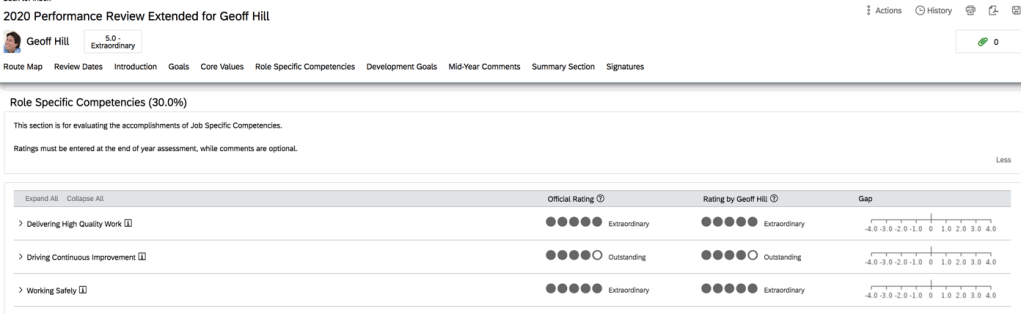
Leading practice is yes—most organizations use a 5-point scale. While SuccessFactors allows flexibility (3-point, 5-point, or even custom scales), odd-numbered scales tend to drive clearer differentiation. Rating labels can be fully text-based for managers and employees, while numeric values still operate behind the scenes to support analytics and downstream processes.
If an organization chooses to go ratingless, it’s important to pause and ask:
How will performance inform compensation, succession, and talent decisions?
Ratingless models require stronger narrative rigor and often more mature processes to remain effective.
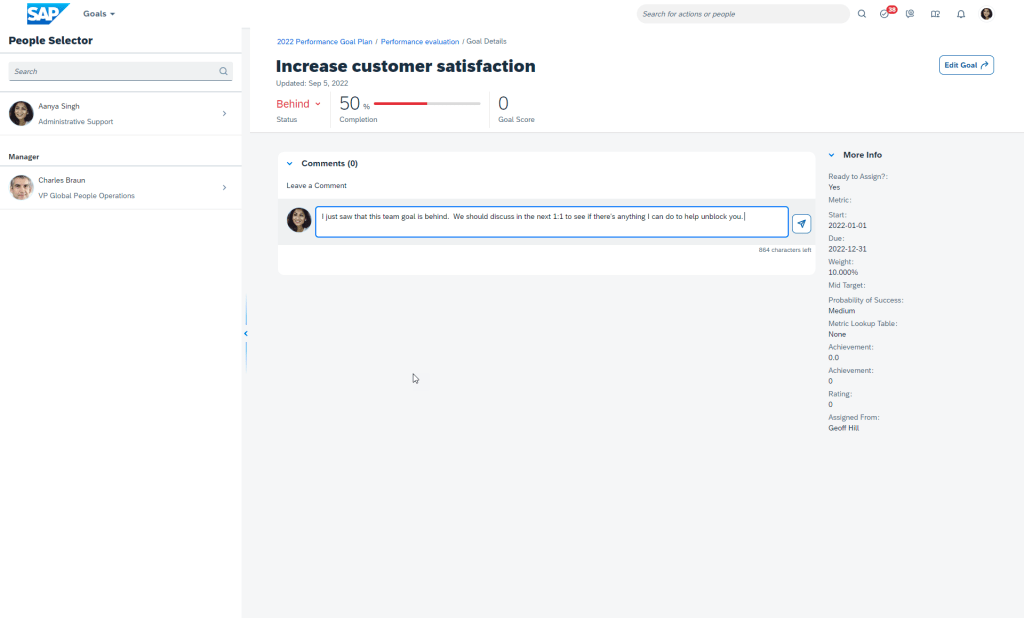
Continuous Performance Management
SuccessFactors offers two complementary capabilities:
- Continuous Feedback – A leading-practice recommendation to enable from day one. It encourages real-time recognition and coaching without adding administrative burden.
- Continuous Performance (Activities & Achievements) – Best positioned as a longer-term goal (in our opinion). While powerful, many organizations find it overwhelming at launch when layered on top of formal goal-setting and year-end reviews.
The key is adoption: more functionality doesn’t always mean better outcomes.
AI in Performance & Goals
AI-assisted capabilities can enhance goal writing, feedback quality, and review consistency. While additional licensing may be required, these tools are increasingly part of forward-looking performance strategies and worth evaluating early.
Dynamic Teams & OKRs: Flexibility for Modern Work
Dynamic Teams enable organizations to form teams outside traditional hierarchies and manage work using Objectives and Key Results (OKRs).
This functionality can be incredibly valuable for project-based or matrixed organizations—but it’s also newer within SuccessFactors. For some clients, it makes sense to adopt immediately; for others, it’s a strong candidate for a future phase, as SAP continues to expand its capabilities.
The guiding question we recommend asking is simple:
Will this add clarity and alignment—or complexity?
Typically, this is not a Day 1 feature turned on at our customers.
Career & Talent Development: Turning Data into Decisions
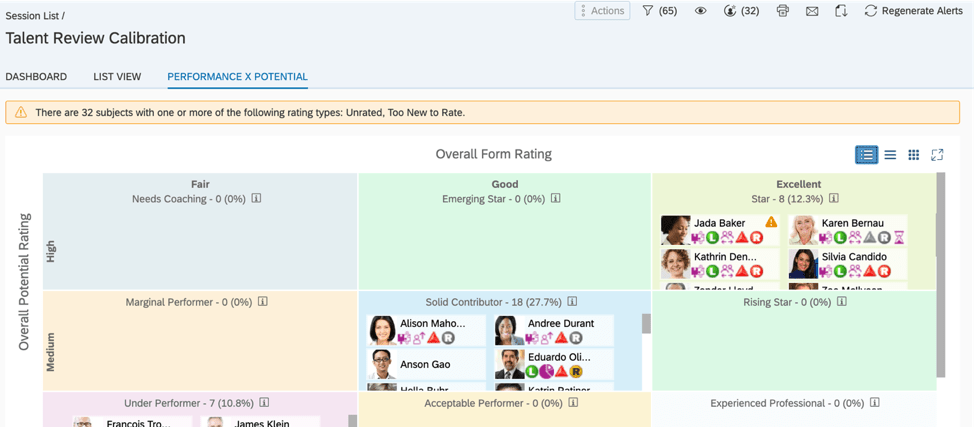
The 9-Box Grid
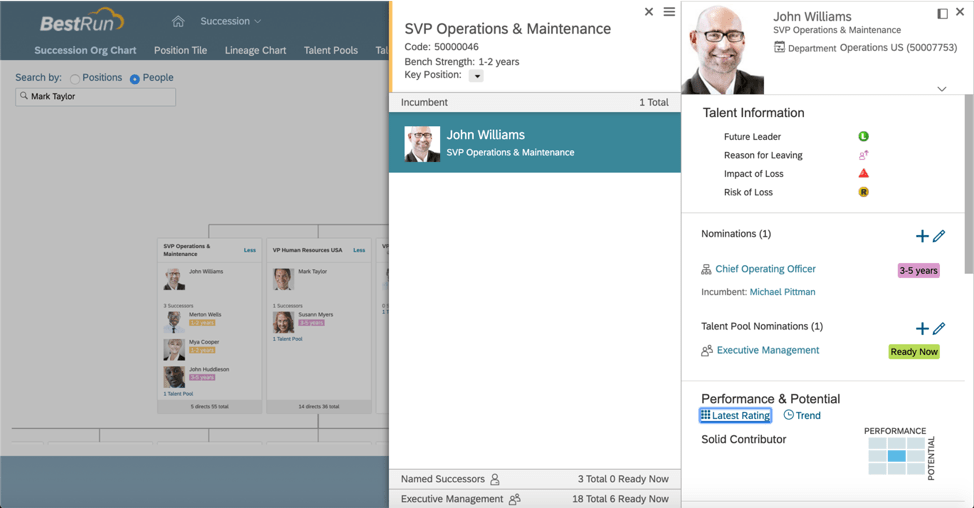
The standard 9-box within Succession Management remains a cornerstone of talent reviews. Leading practice uses:
- 3 sustained performance ratings
- 3 potential ratings
If performance ratings are based on a 5-point scale, organizations must define how those ratings translate into the 3-point performance dimension of the 9-box (hence, our key addition of “sustained” performance).
Ownership matters too. Mature organizations typically empower managers to place employees into the grid, while others may rely on executives or HR Business Partners until readiness increases.
Talent Reviews & Presentations
The most effective talent reviews integrate the 9-box directly into structured discussions, often using SuccessFactors Presentations to support consistency and executive visibility.
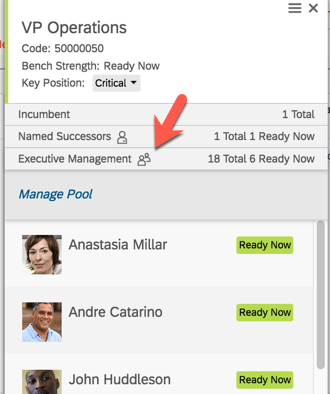
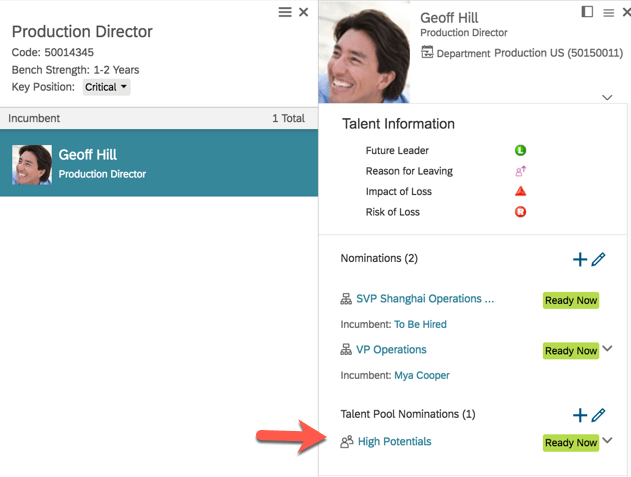
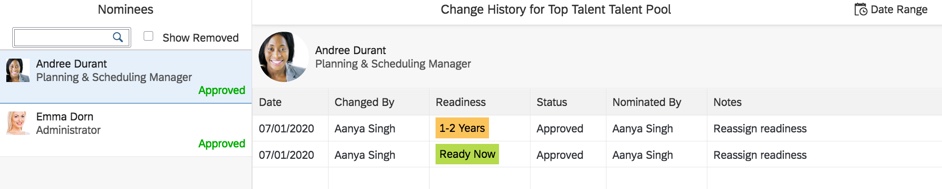
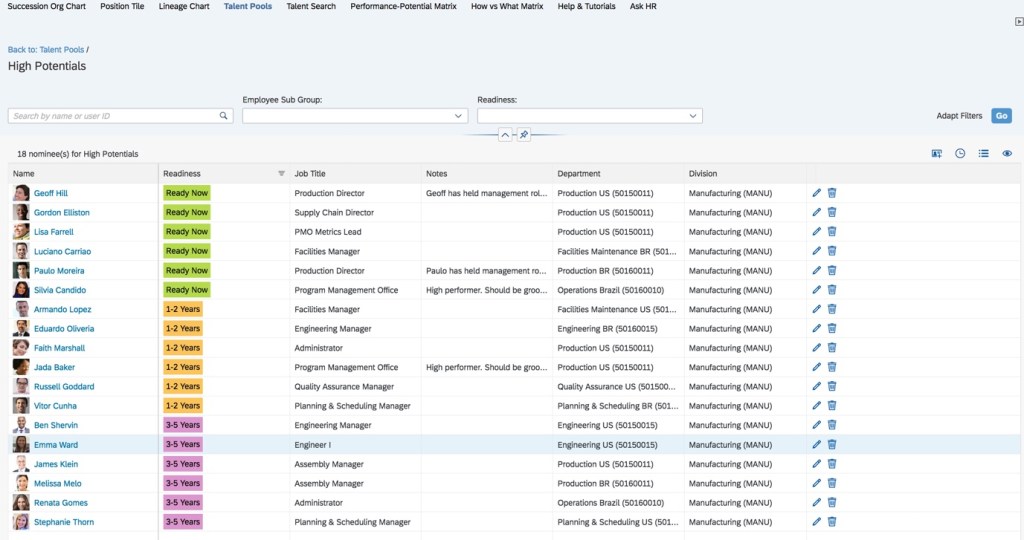
Successor Readiness
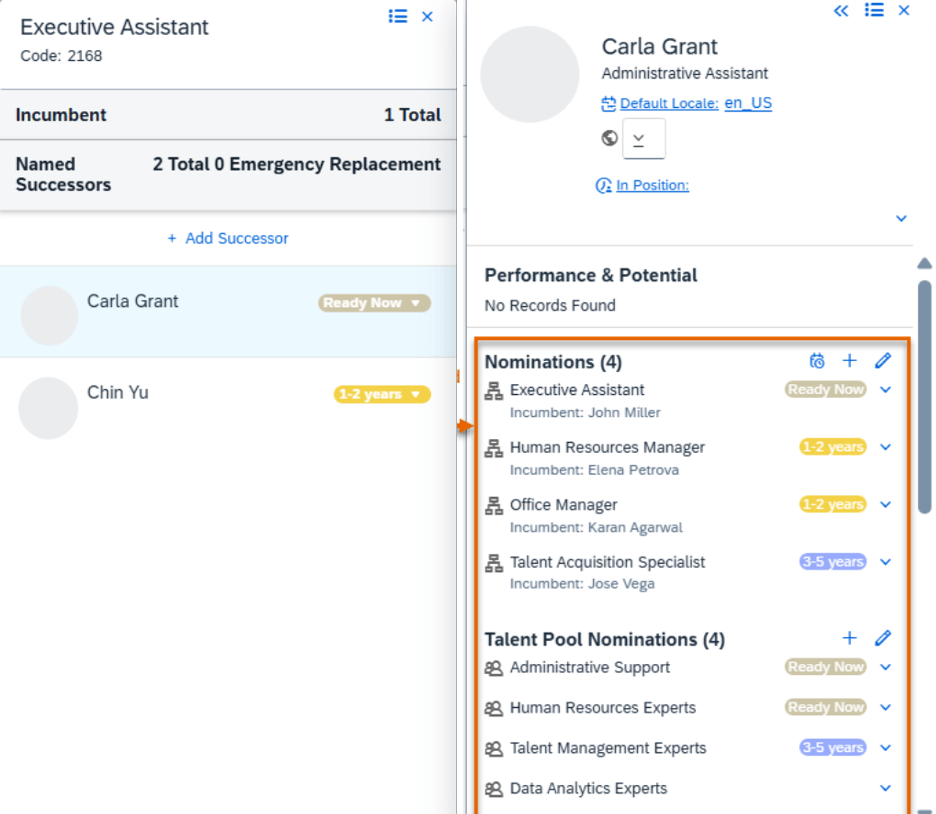
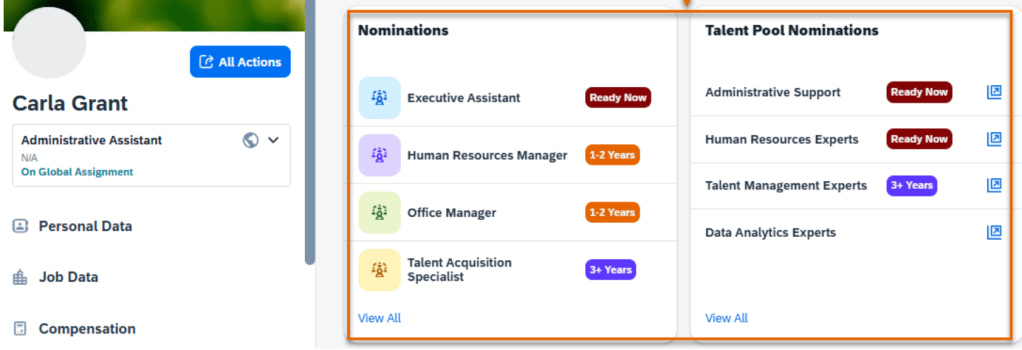
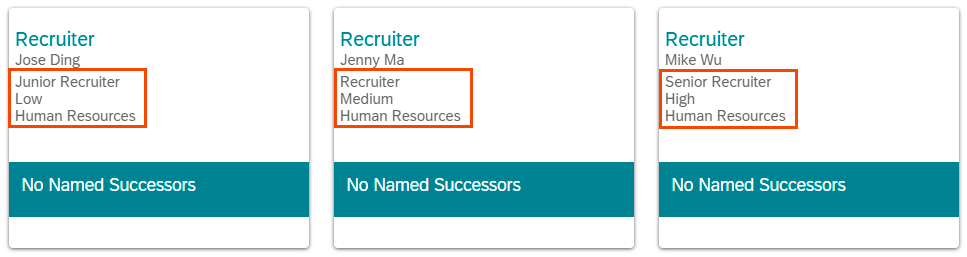
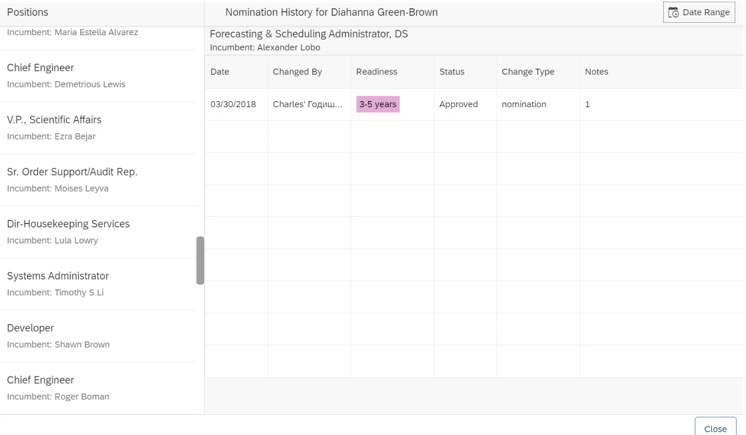
Leading practice readiness definitions include:
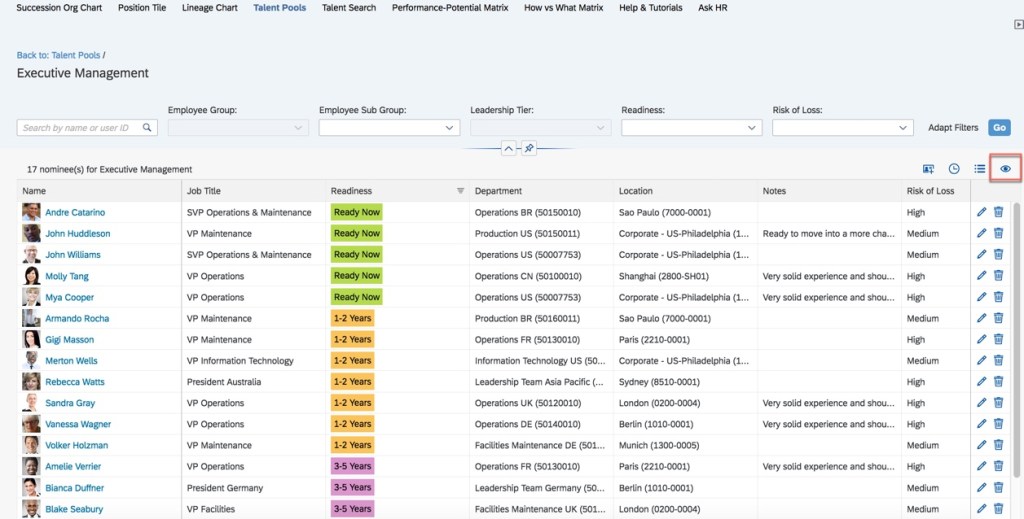
- Ready now
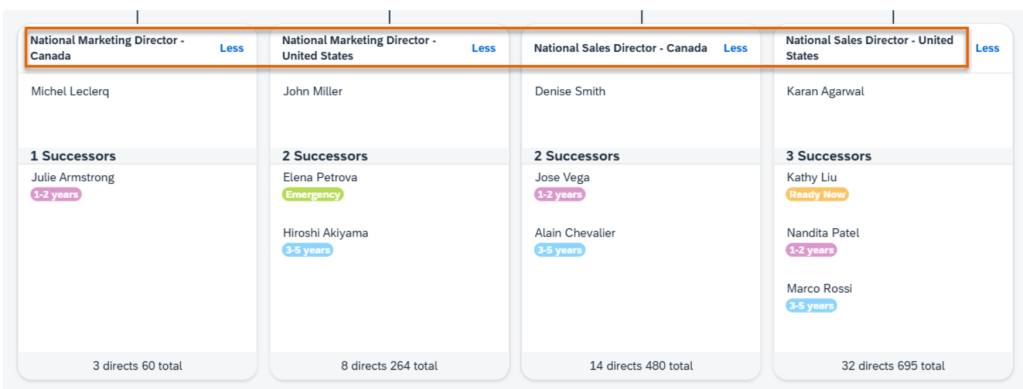
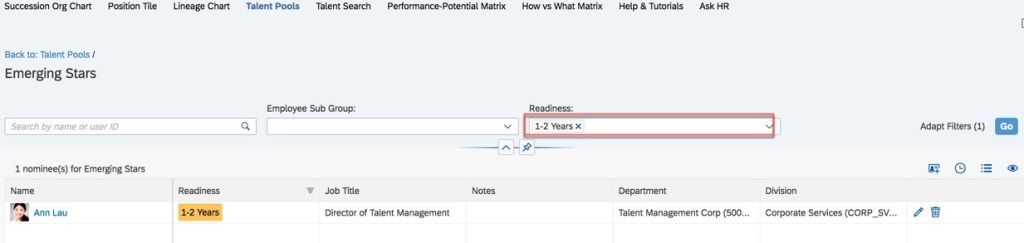
- Ready in 1–2 years
- Ready in 3–5 years
SuccessFactors also supports Emergency Replacement, identifying immediate successors in the event of an unexpected vacancy—an increasingly important capability for critical roles.
Learning & Development Integration
Day-one value comes from allowing employees to link learning activities directly to development goals.
More advanced organizations later expand this by associating competencies with learning, enabling targeted searches and more personalized development paths.
Calibration: Aligning Decisions Across the Organization
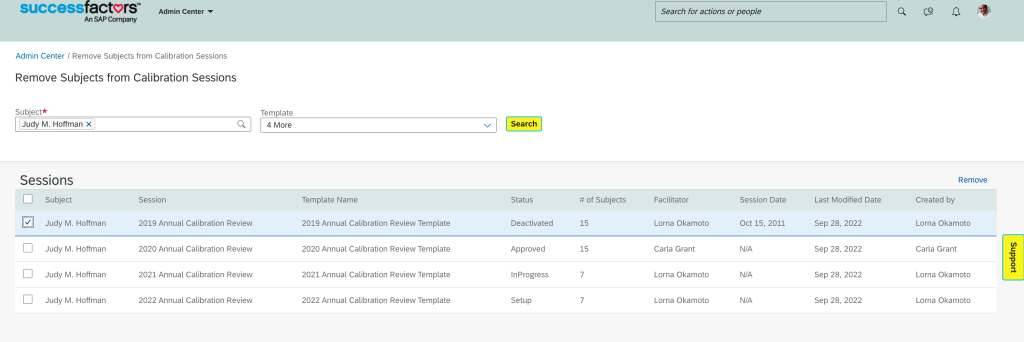
Calibration ensures fairness and consistency. Leading practice is to use both:
- Performance Calibration – Focused on performance ratings
- Succession Calibration – Focused on 9-box placement
When used, calibration steps should be intentionally embedded in the route map, not treated as an afterthought.
Opportunity Marketplace: Making Talent More Visible
Opportunity Marketplace connects employees to:
- Learning activities
- Mentoring
- Projects
- Internal job opportunities
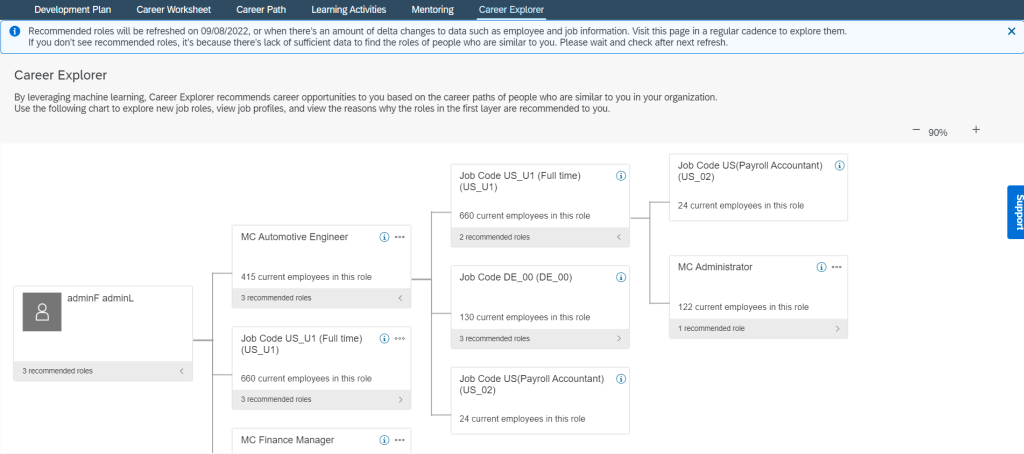
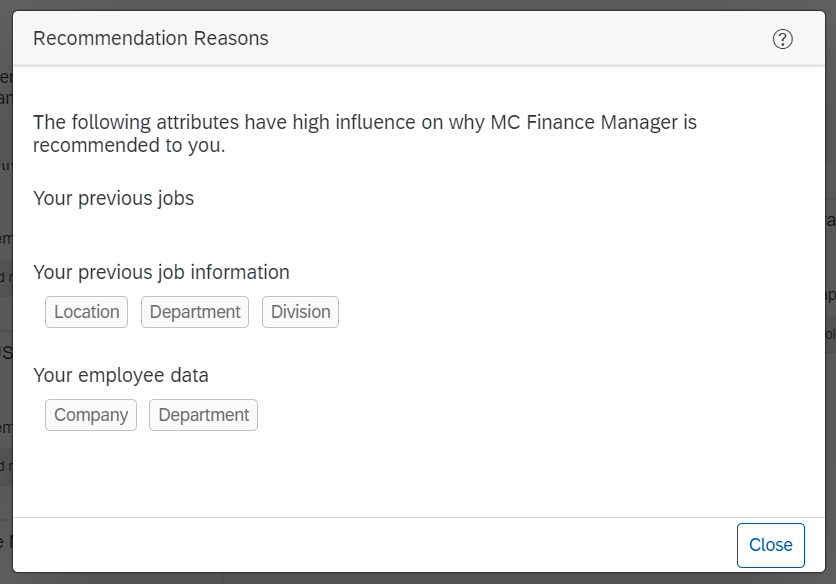
When integrated with Learning, Talent Development, and Recruiting, it becomes a powerful tool for mobility and engagement. AI-driven opportunity recommendations can further enhance adoption, though licensing considerations may apply.
Talent Intelligence Hub: Building the Skills Foundation
Skills & Competencies
A successful Talent Intelligence Hub implementation starts with clarity:
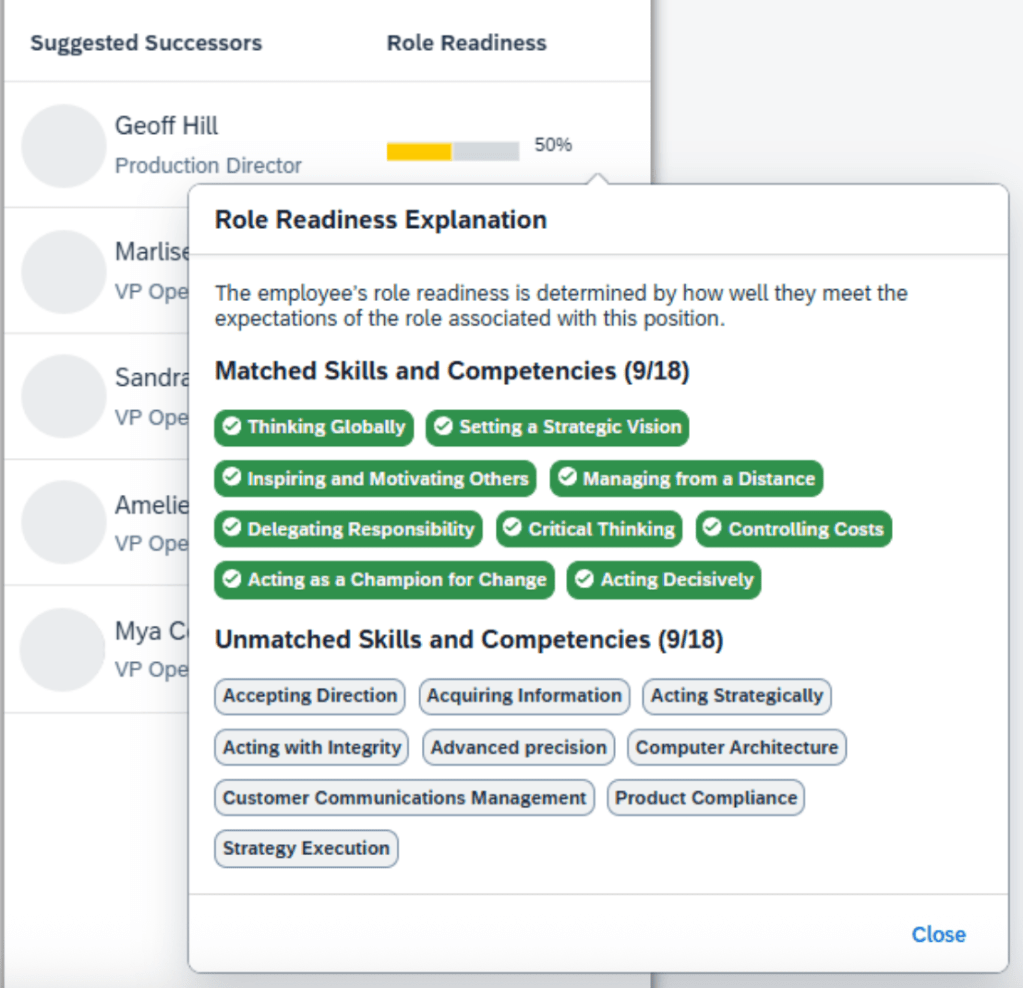
- What skills matter?
- What competencies define success?
- Are there existing catalogs—or do they need to be rationalized?
Leading practice is to focus initially on skills and competencies only, deferring additional attributes (traits, behaviors) until integration maturity improves across the suite.
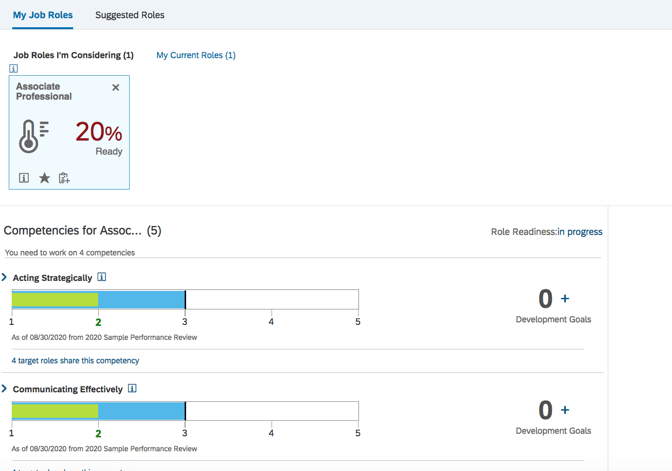
Job Profile Builder
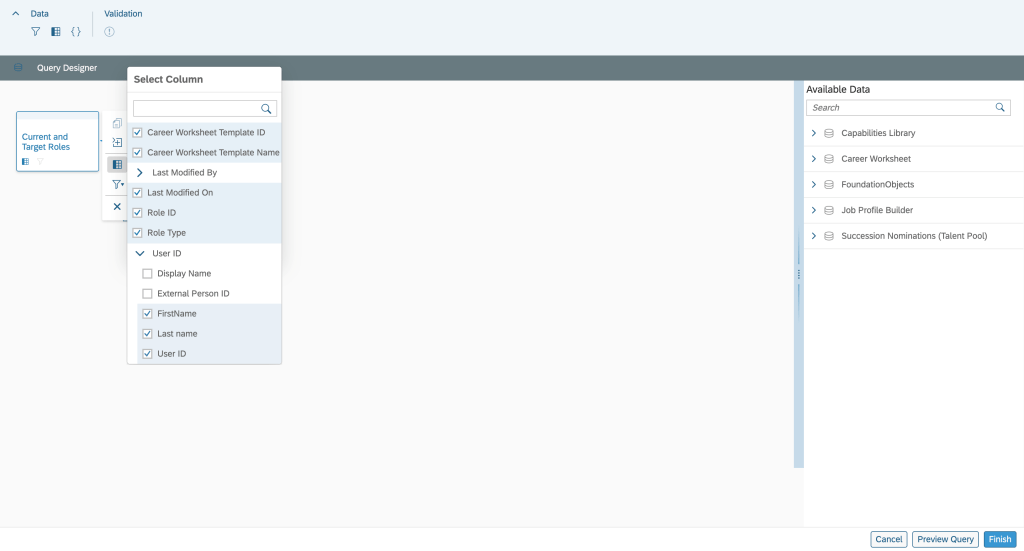
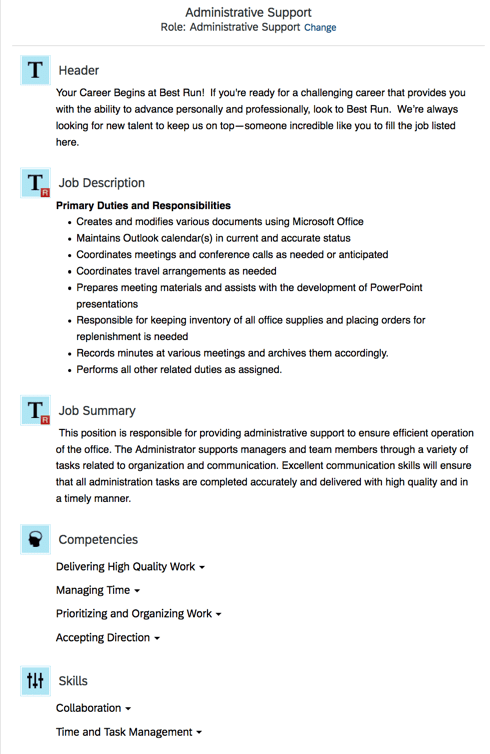
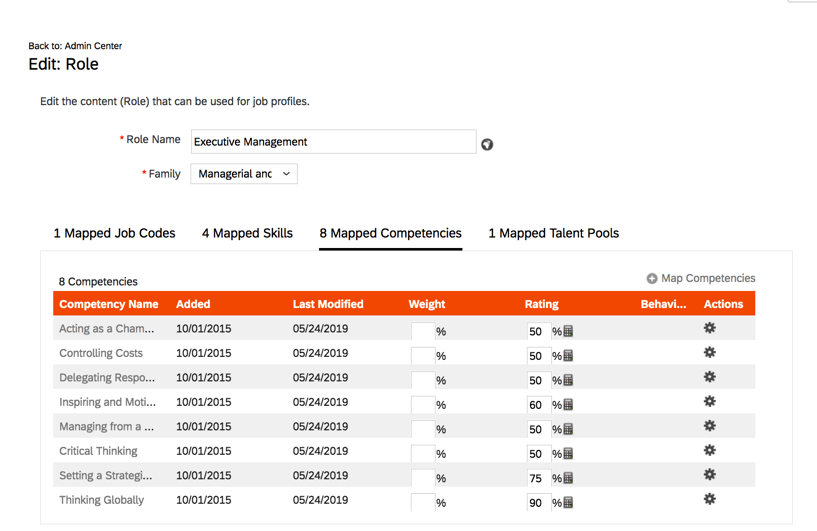
If possible, jobs in Employee Central should map 1:1 to job roles in Talent. Skills and competencies are mapped at the job level (within Job Profile Builder)—not the job level hierarchy itself—an important distinction for accurate modeling.
Growth Portfolio
Growth Portfolio defines how skills live at the employee level. For initial releases, leading practice is:
- View-only access for employees and managers
- No self-selection of skills without approval workflows
More advanced edit and approval models can be introduced later, once governance and definitions are well established.
Final Thought
The most successful SuccessFactors implementations aren’t defined by how much functionality is turned on—but by how intentionally it’s designed.
At Worklogix, we help organizations make these decisions with adoption, scalability, and business impact in mind—so talent processes don’t just exist in the system, but actually work in practice. Do you need help implementing or supporting your SAP SuccessFactors system? Contact info@worklogix.com for assistance

























 Worklogix Blog