
Implementing SAP SuccessFactors Onboarding 2.0 is a critical step in creating a seamless, engaging, and efficient onboarding experience for new hires. However, to maximize the platform’s potential, organizations must approach implementation with careful planning and strategic execution. At Worklogix, we specialize in SAP SuccessFactors consulting and have helped numerous businesses optimize their onboarding processes. In this blog, we share our top five tips for a successful SAP SuccessFactors Onboarding 2.0 implementation—ensuring compliance, automation, and a smooth transition for new employees while enhancing overall HR efficiency.
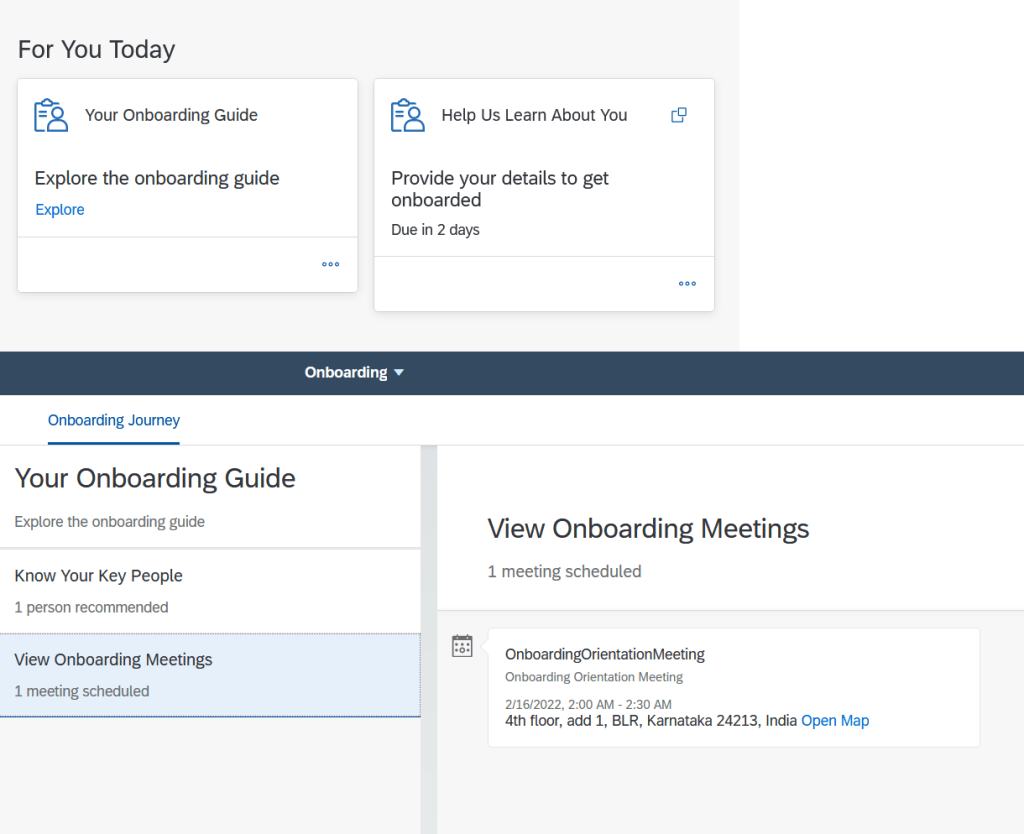
- Make Onboardee Experience a priority. Oftentimes during project work, we get caught up with what HR wants/needs to ensure onboarding requirements are met. This is expected of course, but ensure you are always keeping the onboardee experience in mind. More and more companies are involving their User Experience Team (if they have one) to be involved in the design, as well as potentially adding a “UX Testing” phase where the focus is on the experience of the new hire. Even though feedback from UX practitioners might not be achievable given system constraints, at minimum you’ve got some insights into training aids.
- Streamline your Onboarding Process. With the help of “Hire Template” configuration (view SAP Help documentation here), you can combine standard portlets (e.g. EmploymentInfo, JobInfo, CompInfo) with any custom portlets (i.e., data being collected via custom MDFs) in one step. This trick will provide a more streamlined process for the onboardee. This is one of several techniques that are available to make the experience streamlines for the new hire. You can also look to include some custom tiles on the New hire’s Homepage in order to message some important info like Benefits or a company overview.
- Ensure Data Purging processes are established before Go Live. Often overlooked, the processes around Data Retention Management are an important one, especially in Europe where data protection and privacy are always a primary concern. Configuring help for DRTM related to onboarding can be found here. The DRTM process for onboarding is a bit trickier than other modules, so please leave yourself ample time to configure and test.
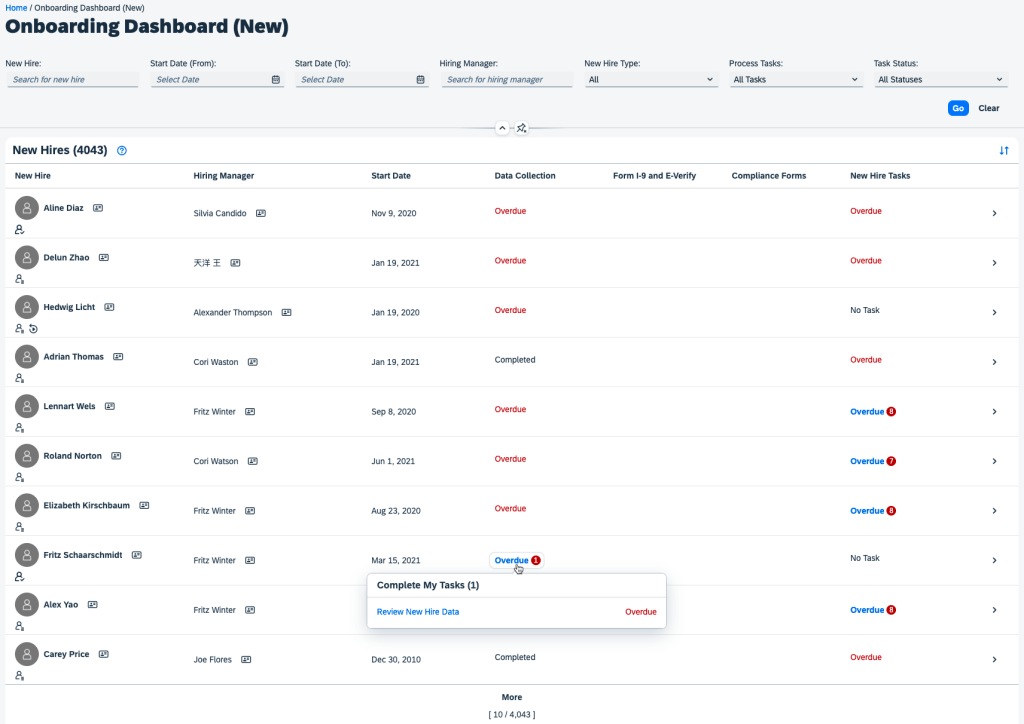
- Don’t leave Onboarding Reporting as an afterthought! Onboarding reporting is delivered through SAP Story Reports from the People Analytics module. If not already implemented, you will need to integrate IAS into your environment as this is an important prerequisite. (IAS is soon to become a requirement across SAP SuccessFactors for all authentication). You can reference how to create a Report Story here on SAP’s Learning Journey site. Please note: there is no way to use “ad-hoc” reporting at all in the new module, as there is no domain available.
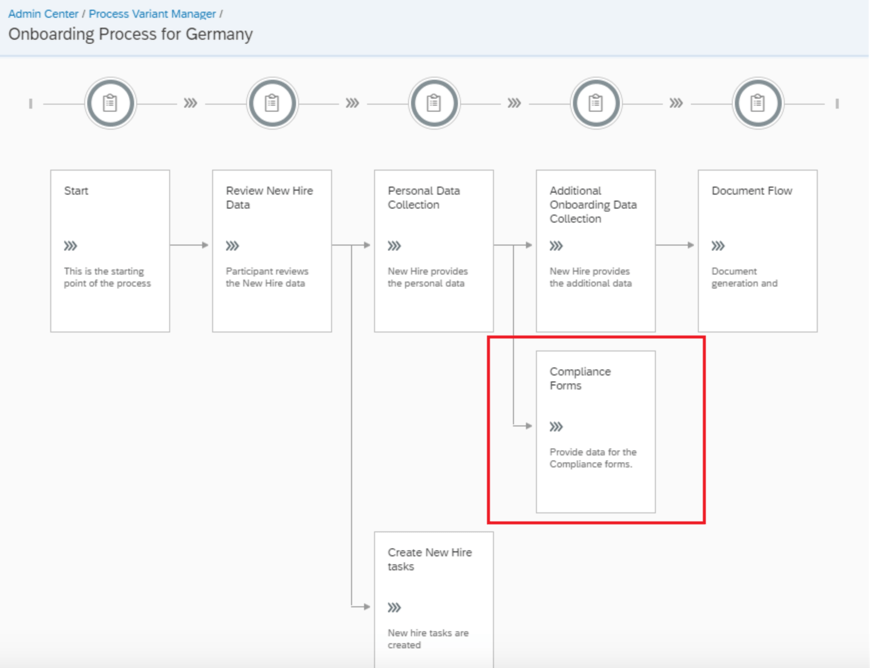
- Compliance, compliance, compliance! Everyone’s favorite, we know. At the time of this blog, SAP SuccessFactors currently supports compliance forms for the US, Canada, Australia, India, New Zealand, Spain and the UK . You can see the full list of compliance forms here. Also, here’s the latest Compliance form updates. You should check in after each biannual release to see if more countries have been added. SAP SuccessFactors continues to invest in supporting additional countries around onboarding compliance.
A successful SAP SuccessFactors Onboarding 2.0 implementation requires thoughtful planning, configuration, and alignment with your organization’s HR processes but also delivering to onboardees expecting a good user experience. By following these top five tips, you can streamline onboarding, enhance new hire engagement, and ensure compliance while maximizing the platform’s capabilities.
Do you need help implementing or supporting your SAP SuccessFactors system? Contact info@worklogix.com for assistance, download our support services brochure, or visit our website for additional information.











 Worklogix Blog